Enable dynamic image creation in Customer.io and send emails personalized for each customer
Personalize creatives for each user in Customer.io emails and push notifications
Last updated: 12.04.2025
Functionality
Dynamic images simplify repetitive marketing tasks, such as creating new email or push notification creatives for each user persona or demographic.
No engineer? No problem. No designer? No problem. No photographer? No problem.
Use Cases
Ecommerce firm supercharges referral A/B tests
Test multiple incentives and messaging with no code
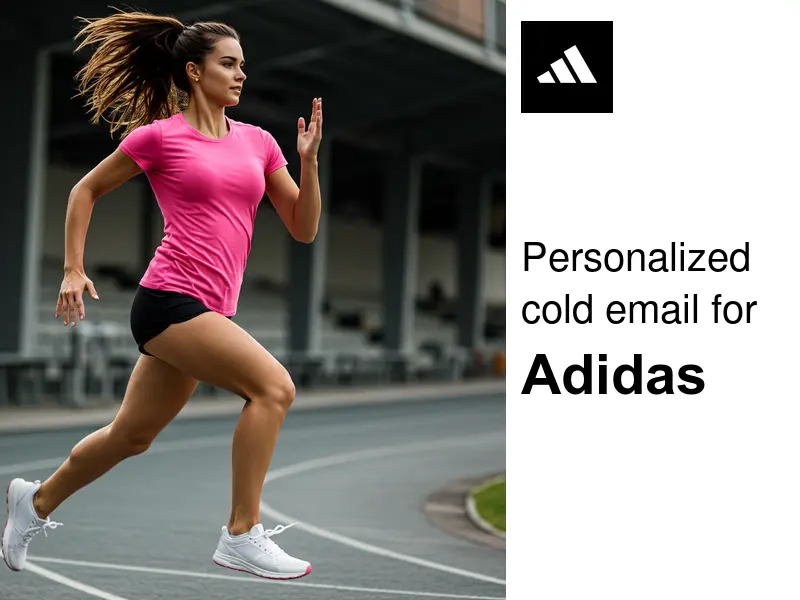
SDRs design targeted cold outreach for each client
Build a campaign template only once and personalize for each client
For more customization options, see the dedicated article on dynamic images
Usage guide
Step 1: Create a dynamic image template on Wafrow
Use an existing image template or create your first on Wafrow.
Step 2: Embed dynamic images within the customer.io email or push notification designer
In your email or push notification designer in Customer.io, add a new Image and select the "dynamic image" checkbox.
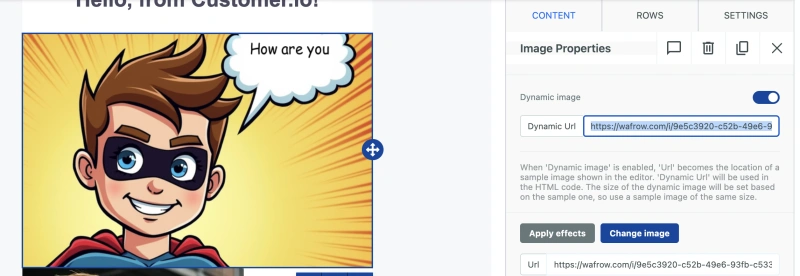
In the URL, you can add the image template and the properties linked to the customer. For instance,
https://wafrow.com/i/TEMPLATE_ID?LAYER_NAME[PROPERTY_NAME]={{CUSTOMER_IO_PROPERTY_VALUE}}
In real usage like the screenshot above, it looks like this:
https://wafrow.com/i/9e5c3920-c52b-49e6-93fb-c5333f2ad1fb?firstname[text]={{customer.first_name}}
Here is a preview for two sample users, Elena and David.
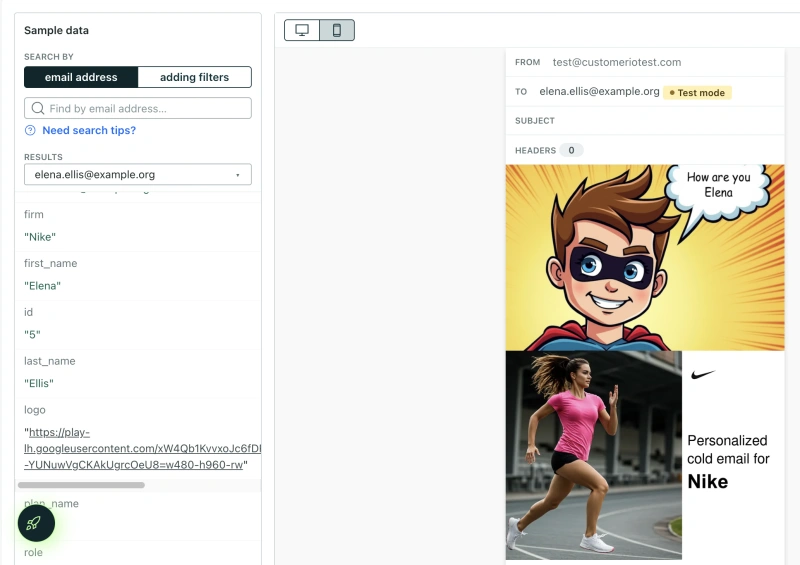
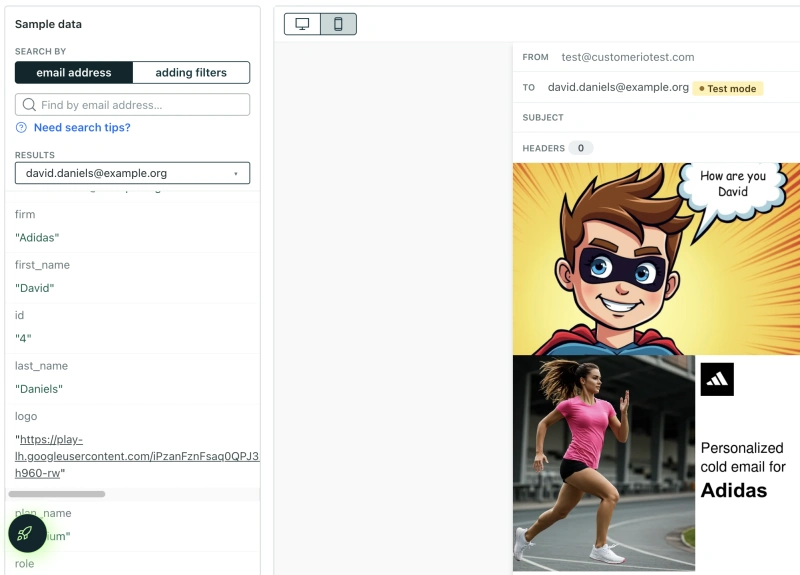
This example uses custom properties ("firm" and "logo") that were added to the user profiles in Customer.io. These are then used in the image URL:
https://wafrow.com/i/9ee6bbbc-2c88-444b-b9f3-f1d6a56d8111?firstname[text]={{customer.firm}}&logo[src]={{customer.logo}}
You can create a high degree of personalization for all your Customer.io campaigns with this setup.
Happy exploring!
If you get stuck or have questions, please reach out to [email protected].