Enable dynamic image creation in Apollo.io and send personalized emails for each recipient.
Personalize creatives for each recipient in Apollo.io emails
Last updated: 12.04.2025
Functionality
Dynamic images simplify repetitive marketing tasks, such as creating new email creatives for each recipient or segment.
No engineer? No problem. No designer? No problem. No photographer? No problem.
Use Cases
SDRs design targeted cold outreach for each client
Build a campaign template only once and personalize for each client
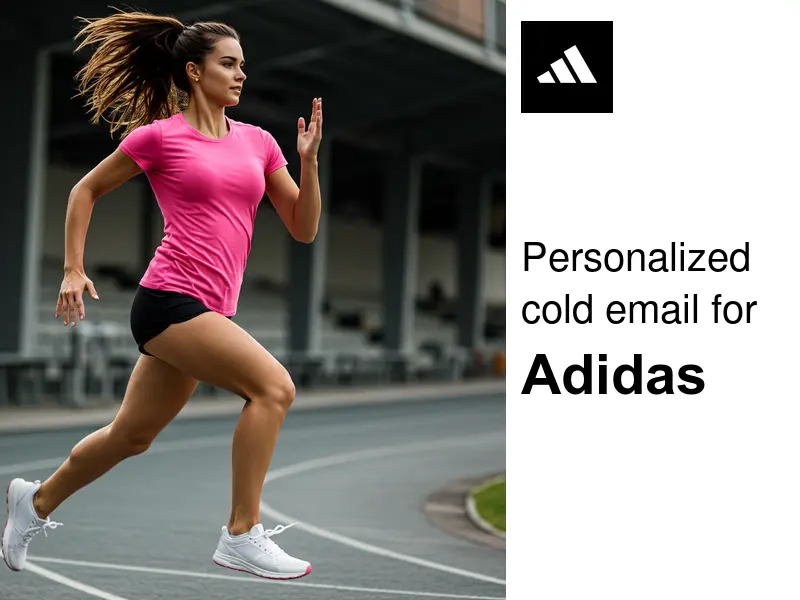
SDRs create dynamic landing pages for each client
Match your email and linkedin sequences with targeted landing pages
For more customization options, see the dedicated article on dynamic images and embedding dynamic images on landing pages
Usage guide
Step 1: Create a dynamic image template on Wafrow
Use an existing image template or create your first on Wafrow.
Step 2: Embed dynamic images within the Apollo.io email designer
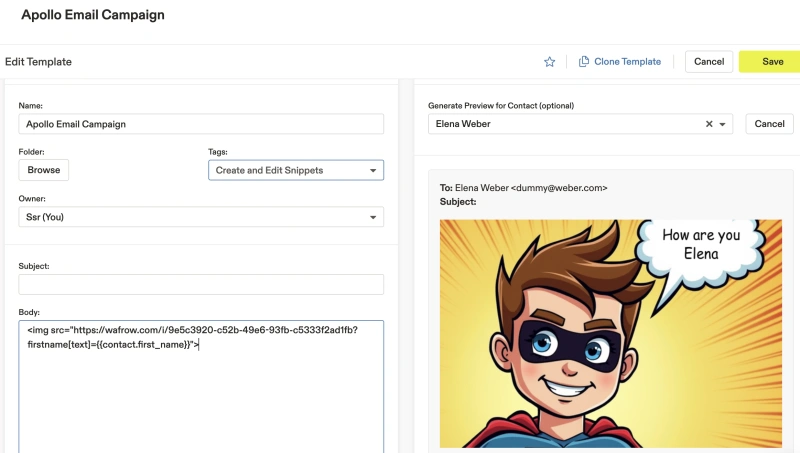
In your Apollo.io email templates, add an HTML image and use the Wafrow template's URL together with Apollo.io's personalization tags. For instance,
https://wafrow.com/i/TEMPLATE_ID?LAYER_NAME[PROPERTY_NAME]={{APOLLO_IO_PROPERTY_NAME}}
In real usage, it looks like this:
https://wafrow.com/i/9e5c3920-c52b-49e6-93fb-c5333f2ad1fb?firstname[text]={{contact.first_name}}
Now, when you send or preview your email, the image will dynamically update based on the recipient's data. For example, if you have a custom field for {{account.name}} and {{account.logo_url}} in Apollo.io, you can use them like this:
https://wafrow.com/i/9ee6bbbc-2c88-444b-b9f3-f1d6a56d8111?company[text]={{account.name}}&logo[src]={{account.logo_url}}
for a live preview,
You can create a high degree of personalization for all your Apollo.io email sequences with this setup.
Depending on your CMS you can also customize your landing pages for each cold outreach by adding a tiny wafrow javascript to match the personalized experience.
Happy exploring!
If you get stuck or have questions, please reach out to [email protected].